Prompts that look shot.
Not generated.
Fifty cinematic prompts, written the way a director briefs a scene — light, lens, film stock, shadow, framing. The same reference my course students keep open while they work. On its own, for the first time, for $37.
Get The Vault — $37
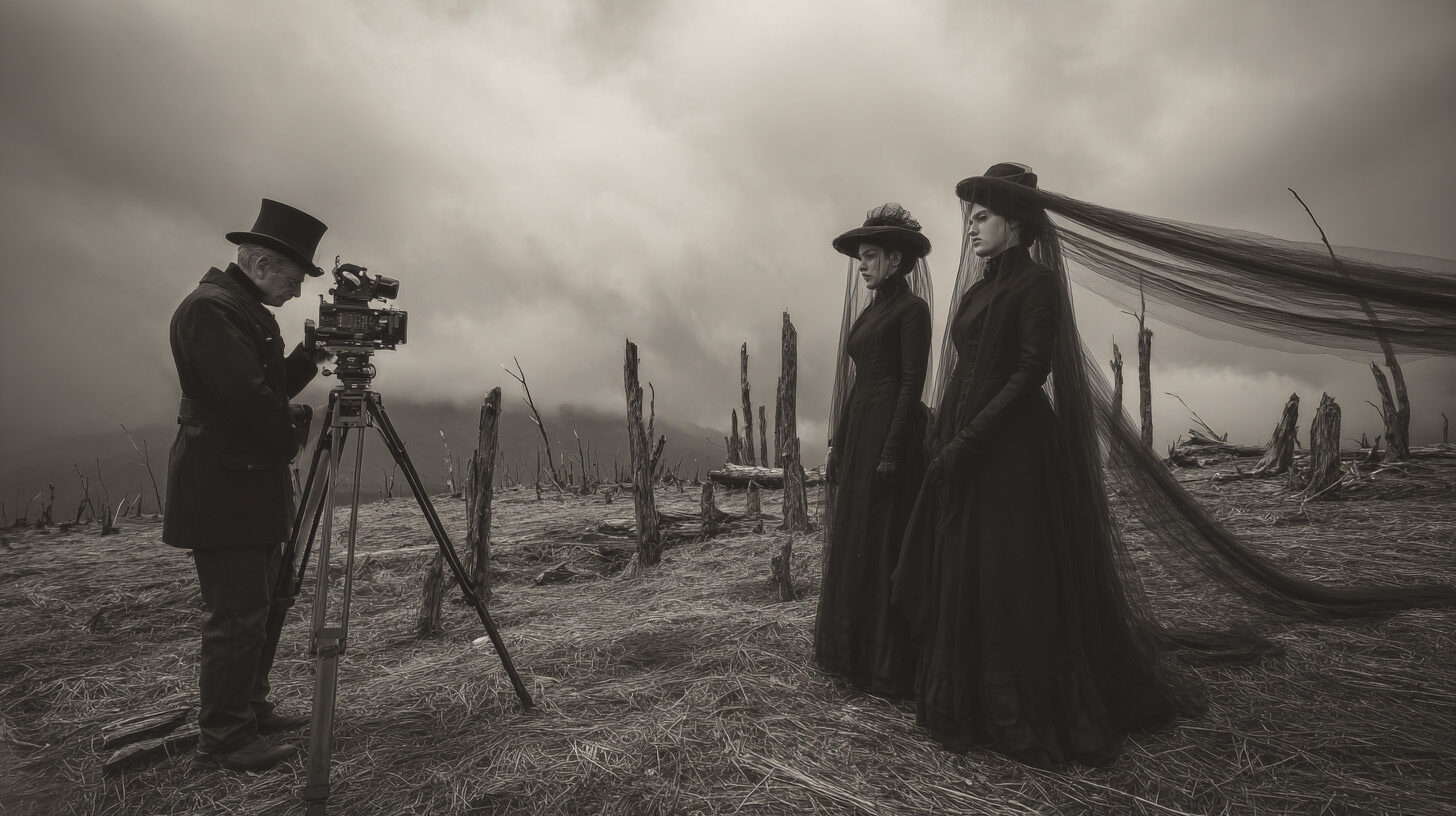
You can always tell.
Most AI images announce themselves. Too clean. Too plastic. The same five looks everyone else is getting, because everyone's typing the same kind of prompt — a pile of keywords and a hope.
The fix was never more keywords. It's direction. Knowing what light to ask for, which lens, where the shadow falls, what gets left in the dark. That's the difference between an image that looks generated and one that looks pulled from a film no one's seen yet.
The Vault is that knowledge, written down and ready to use.
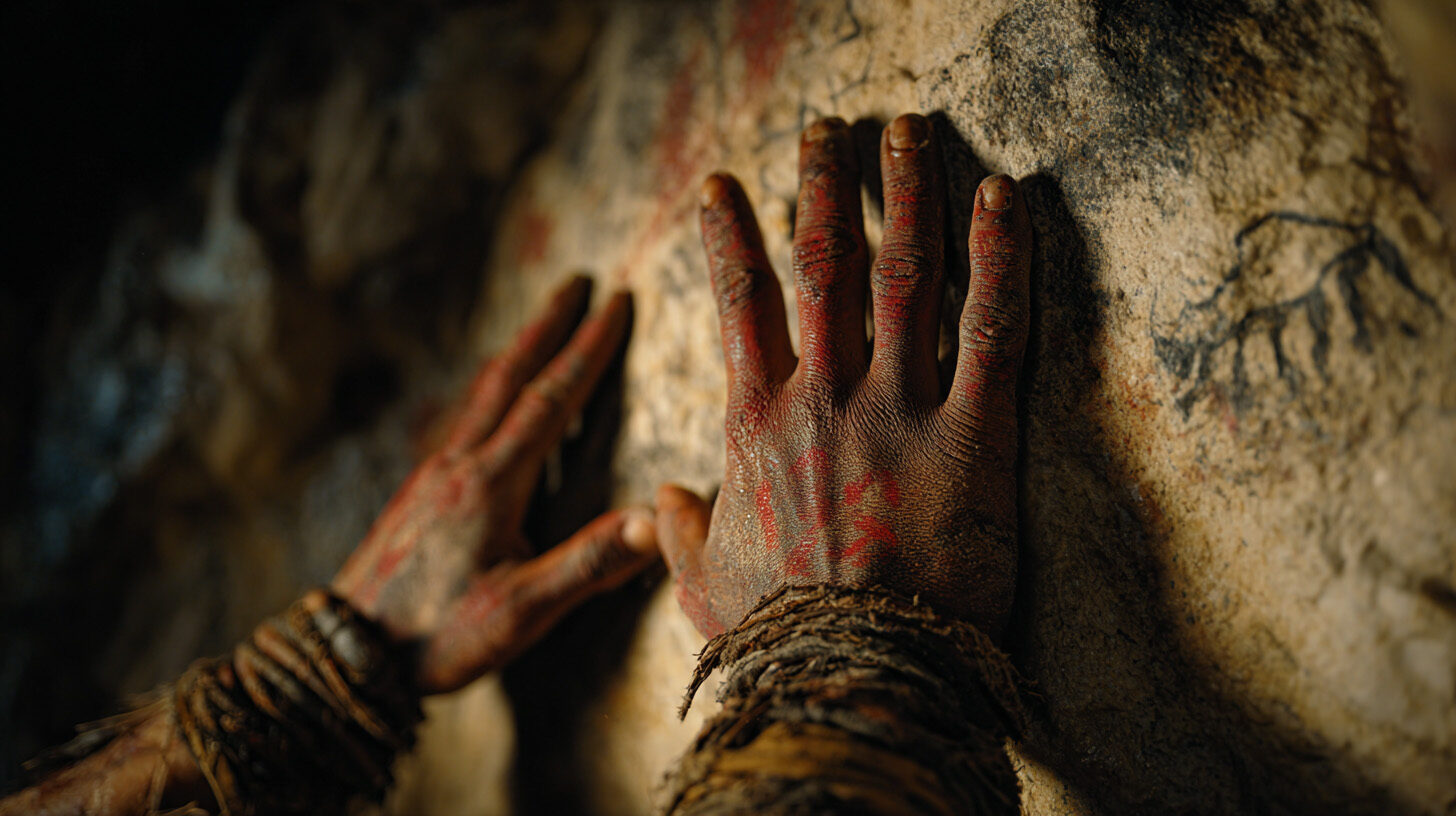
Fifty prompts. Hundreds of directions.
These aren't keyword strings. Each one is written in a director's voice — full prose, the way you'd brief a cinematographer. And every prompt is built on brackets. Each bracket is a choice. Swap one variable and the entire scene changes. So fifty prompts is really a generator for hundreds of frames, all of them yours.
Here's one of the fifty, exactly as it appears inside:
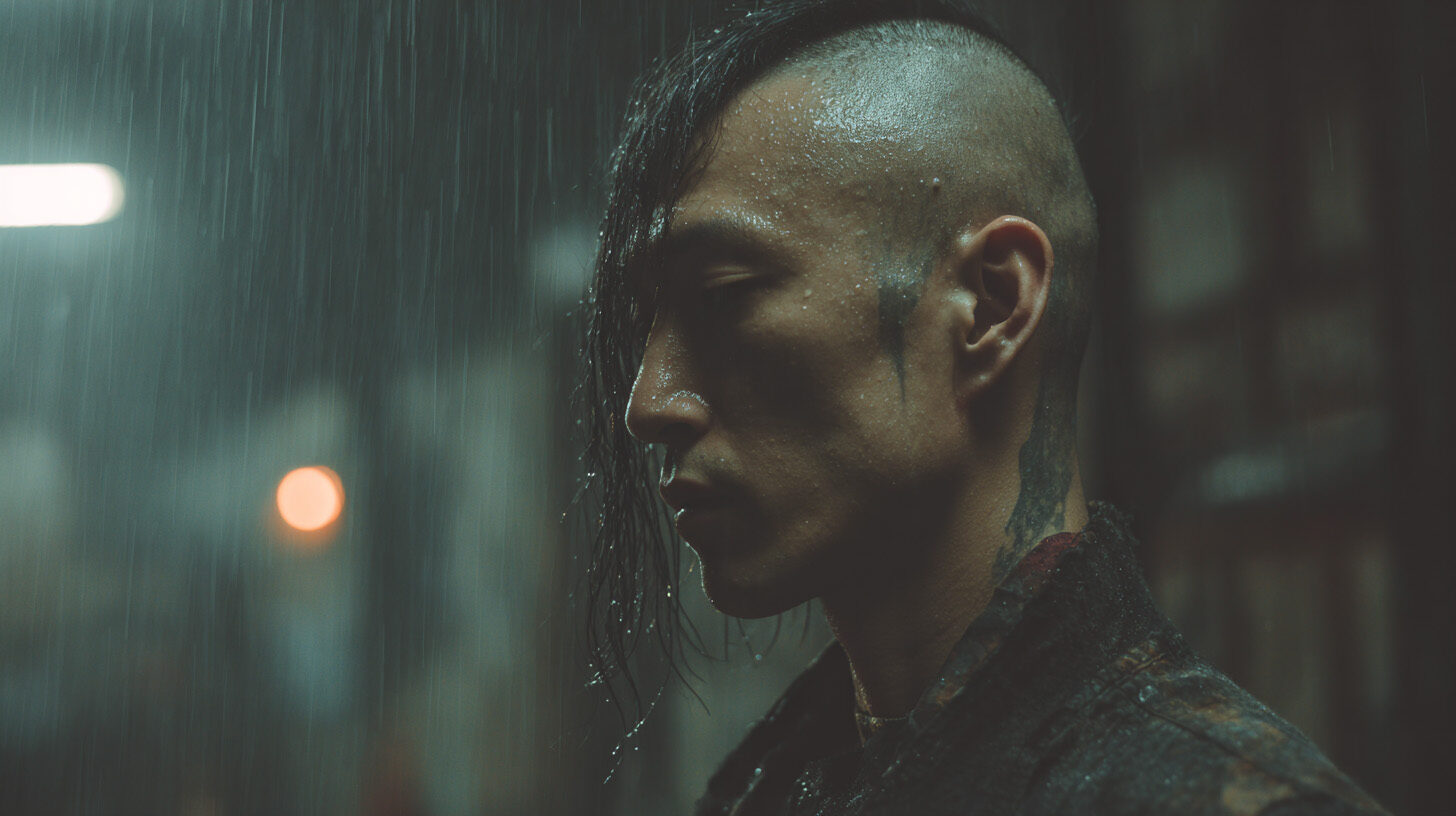
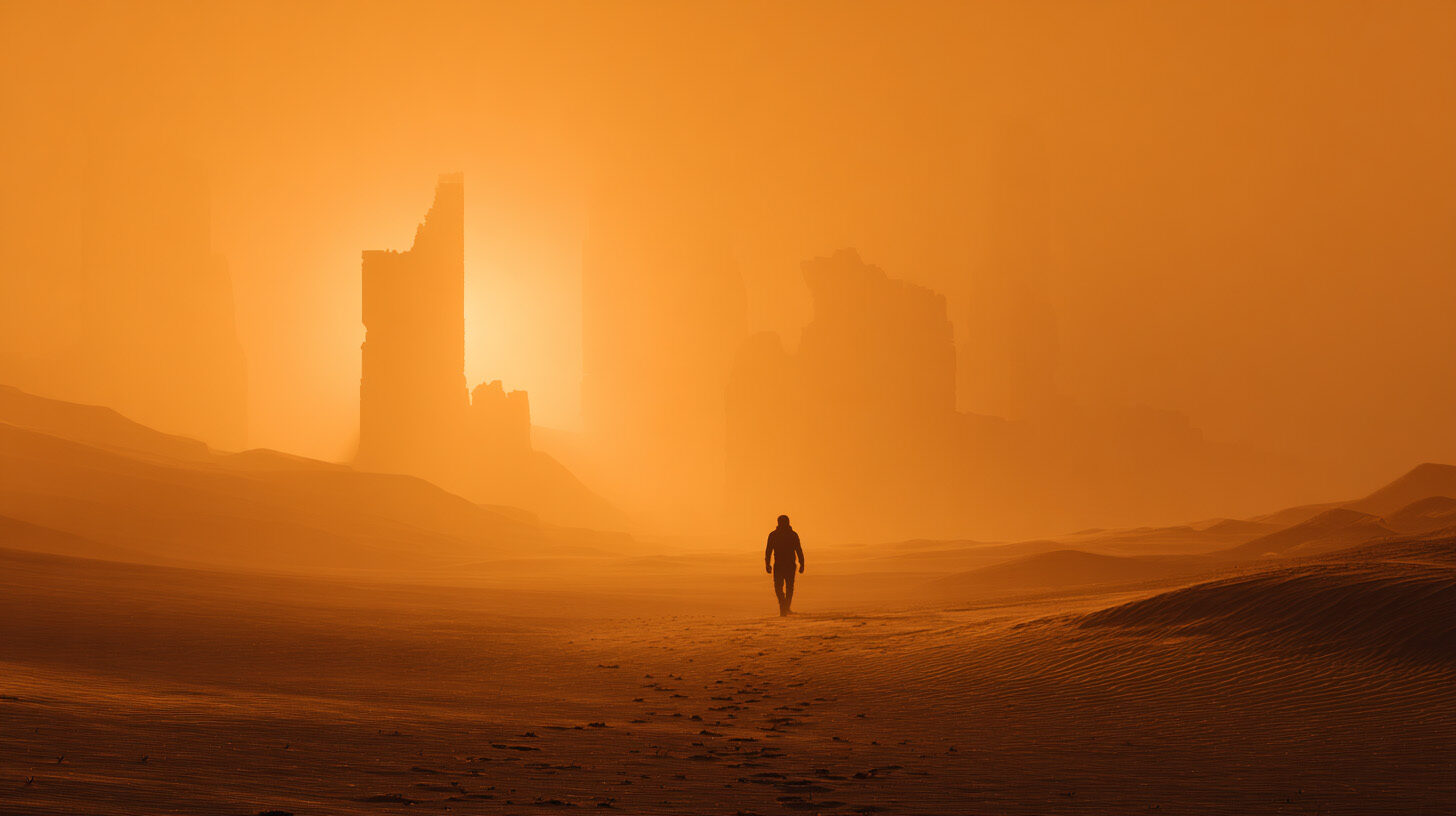
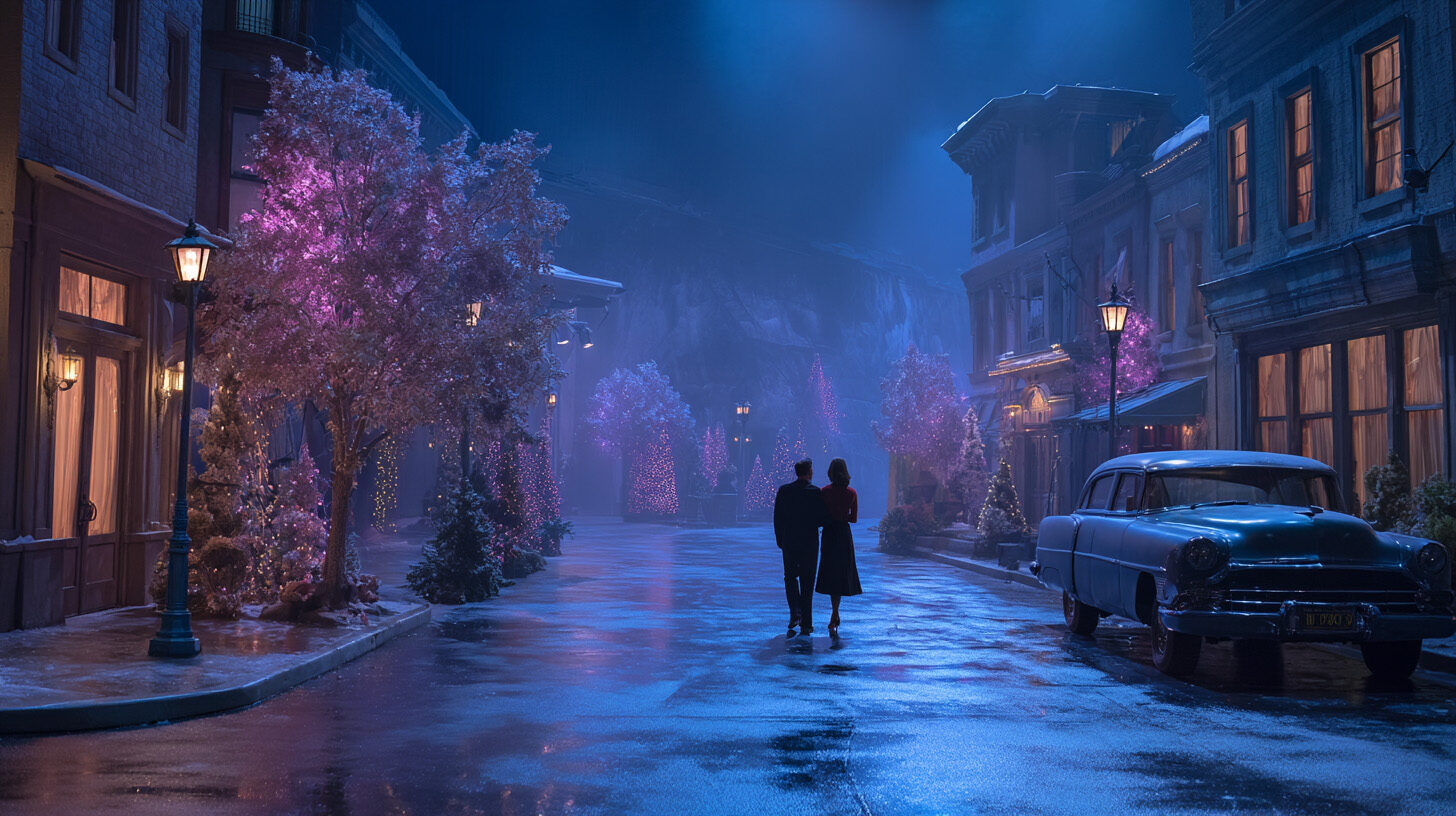
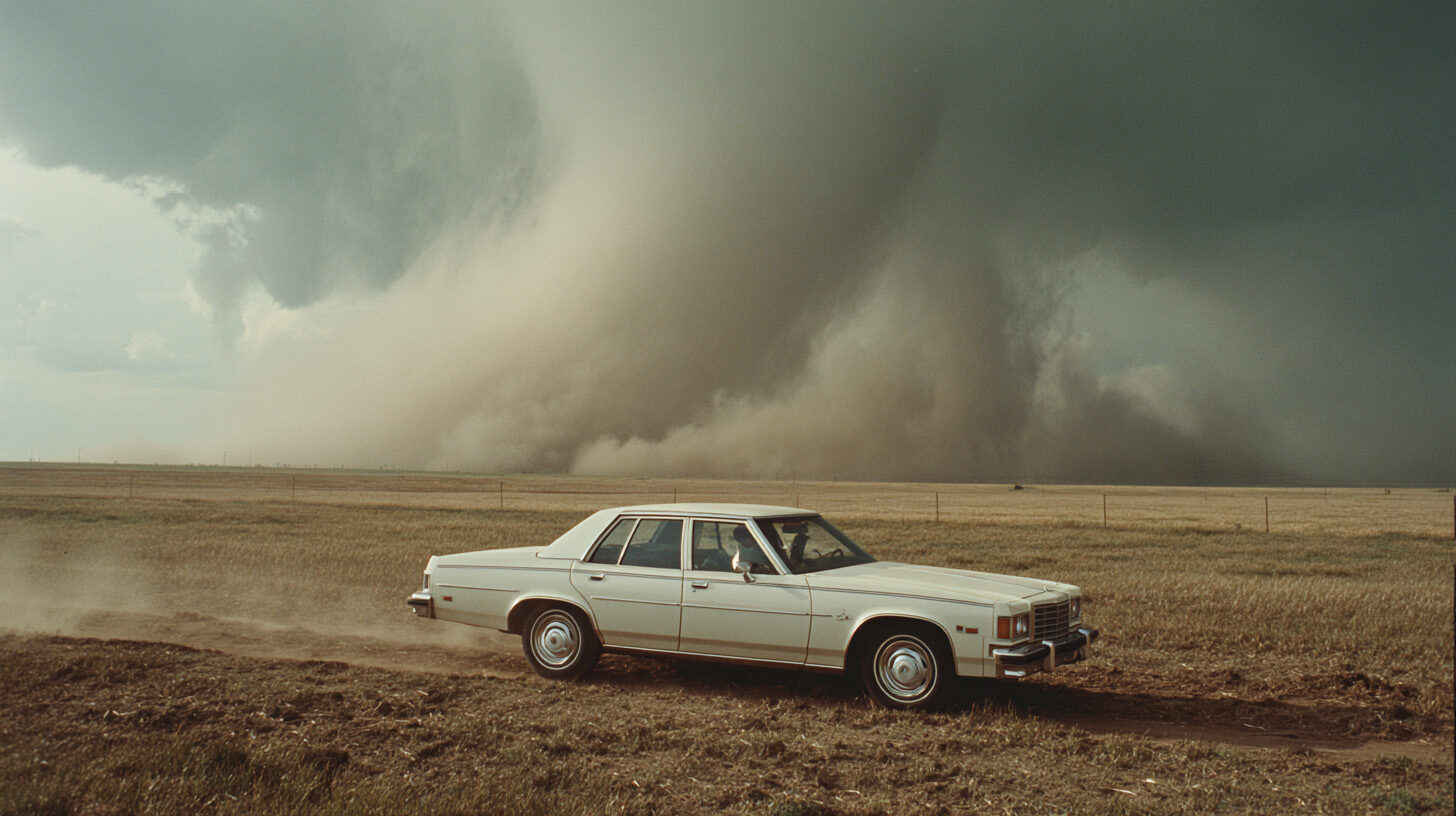
That prompt, run once. Change the subject, the stock, the one surviving light — same recipe, a completely different scene.
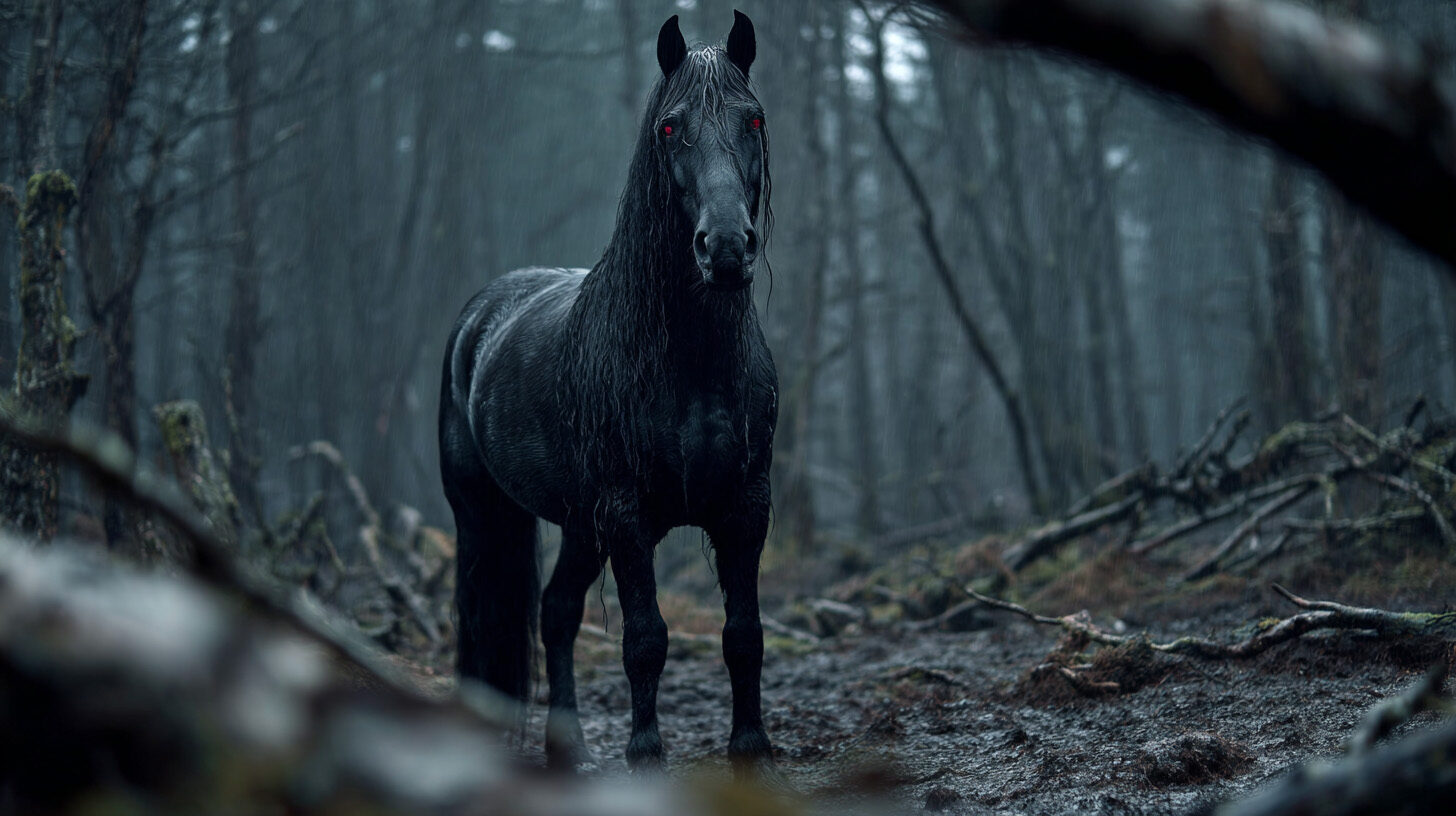
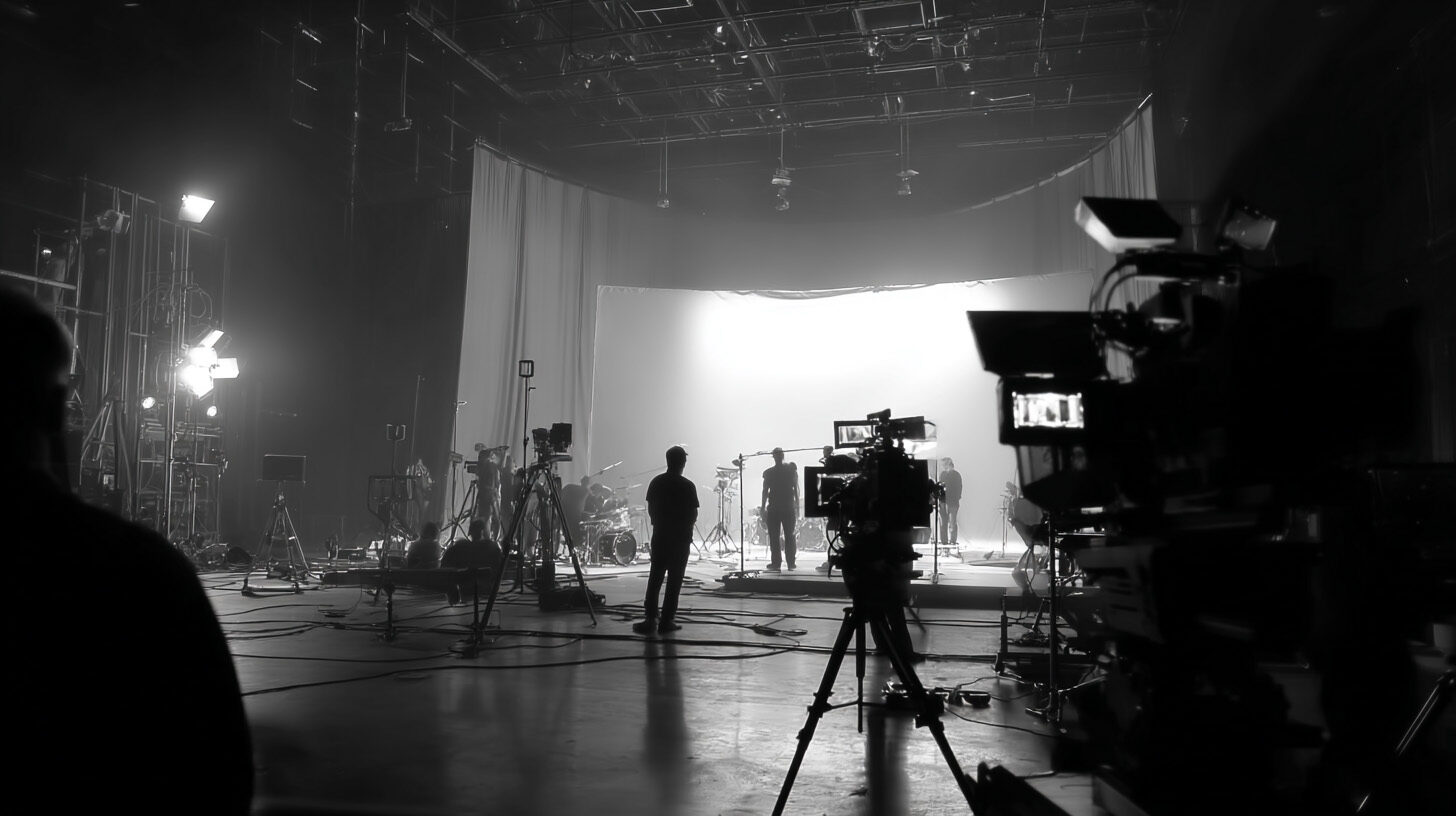
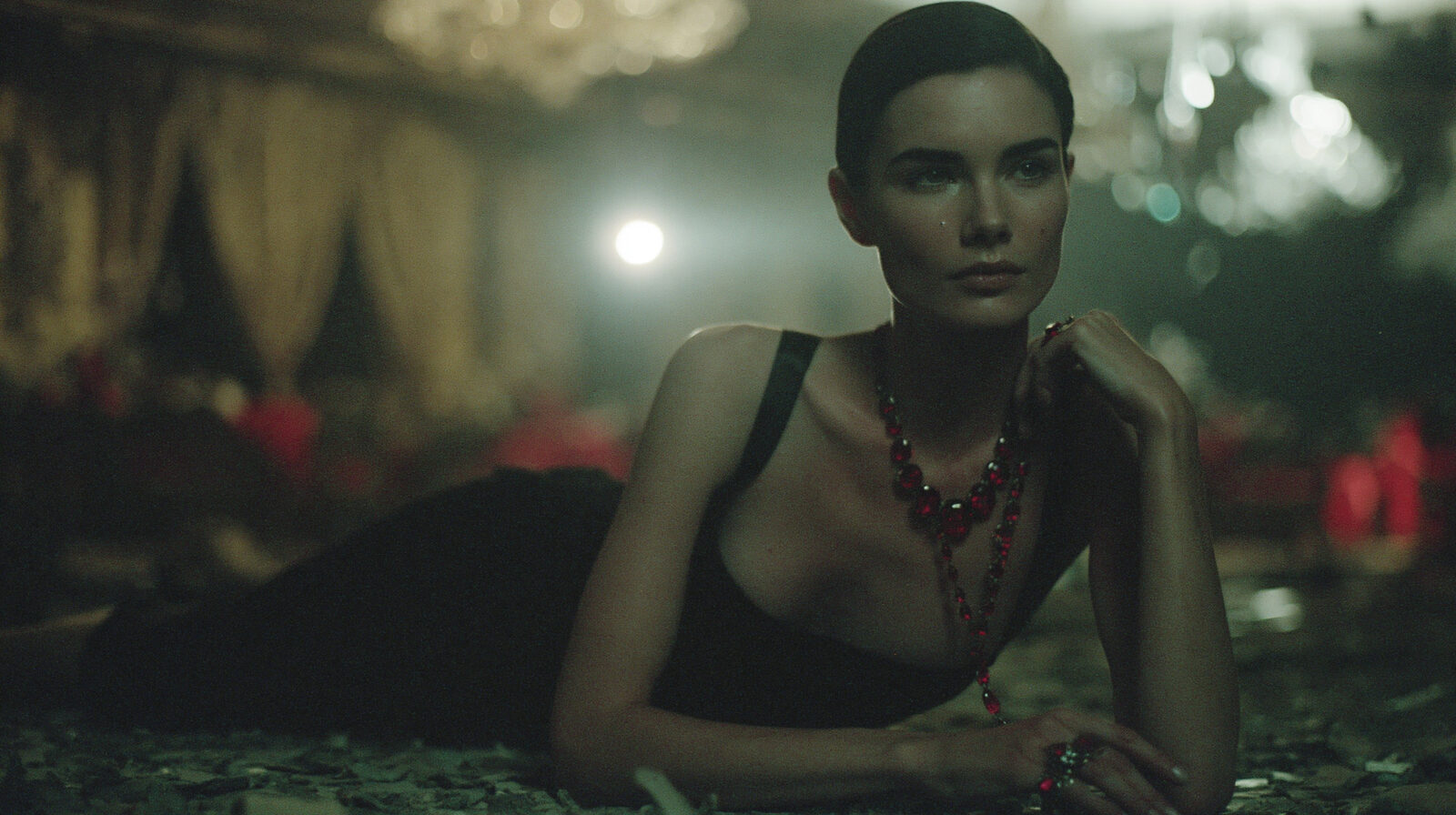
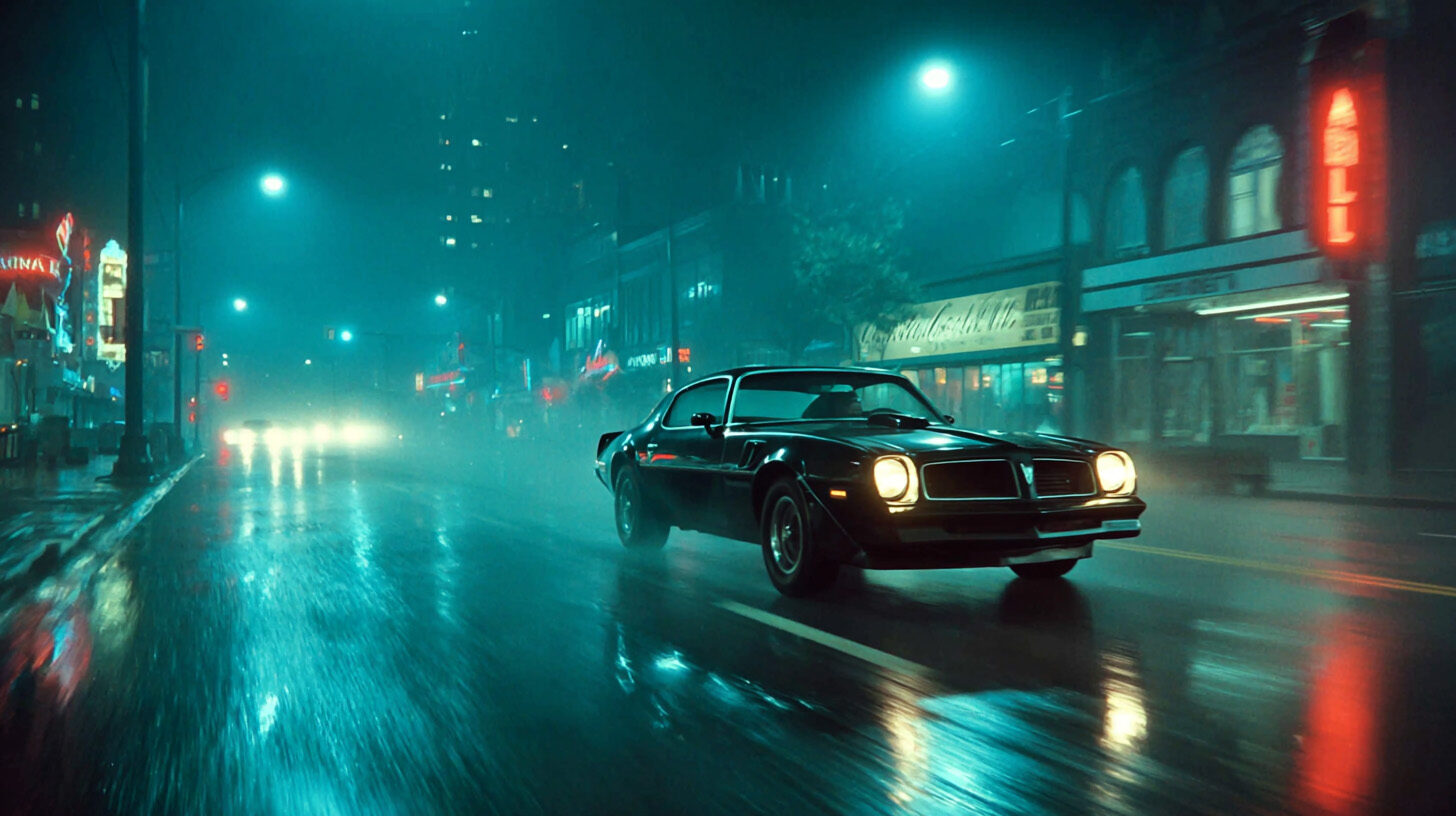
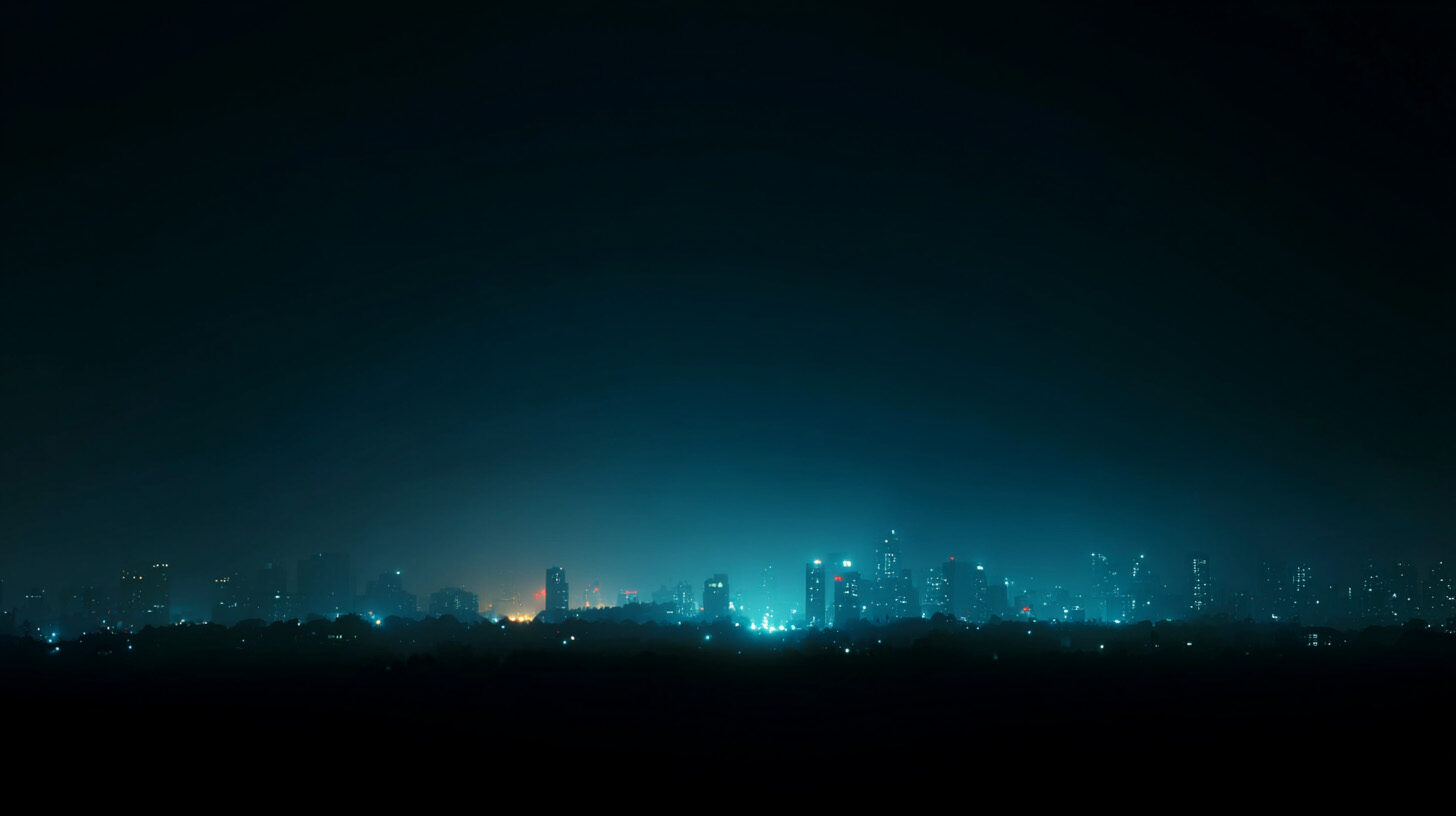
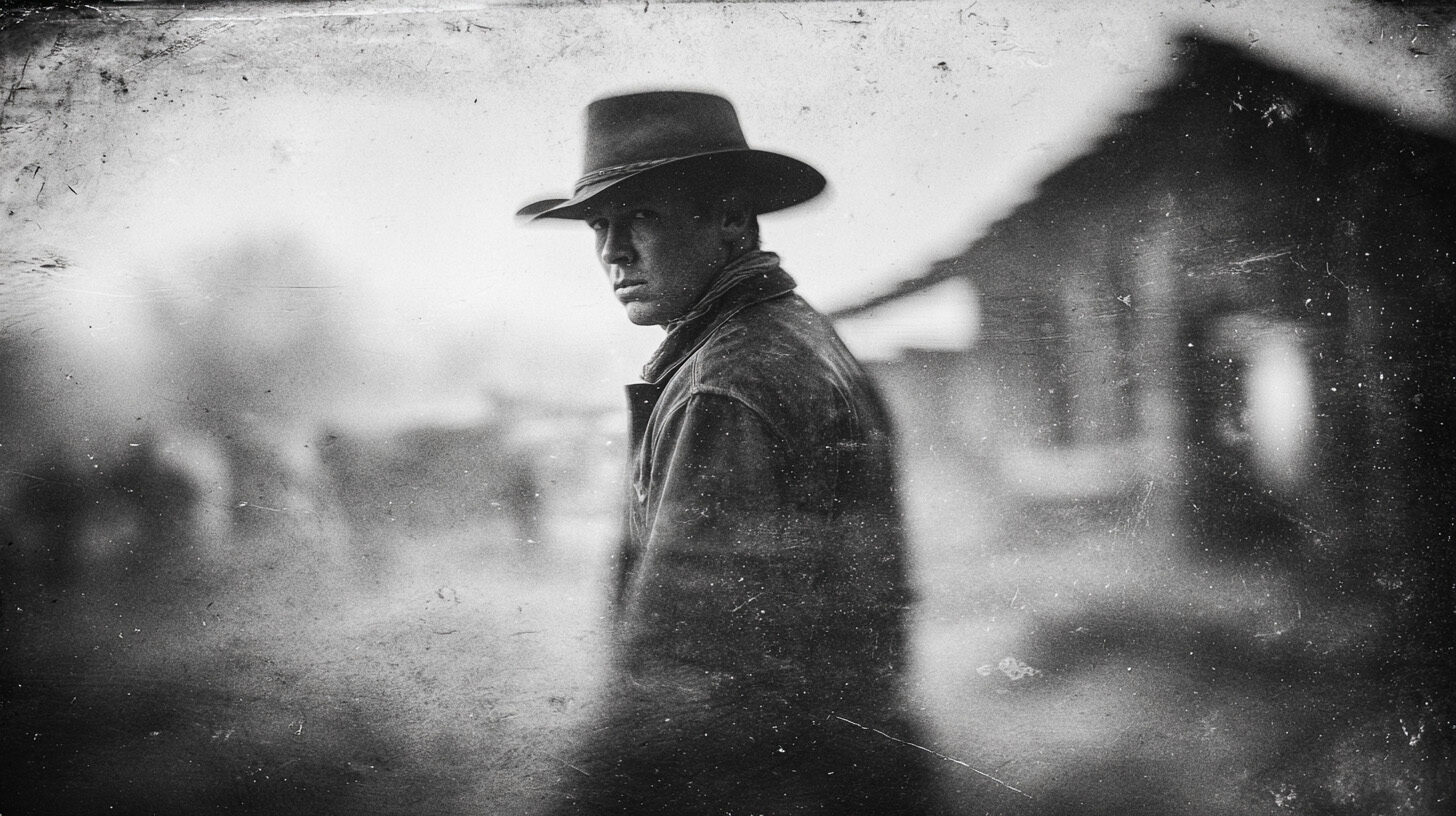
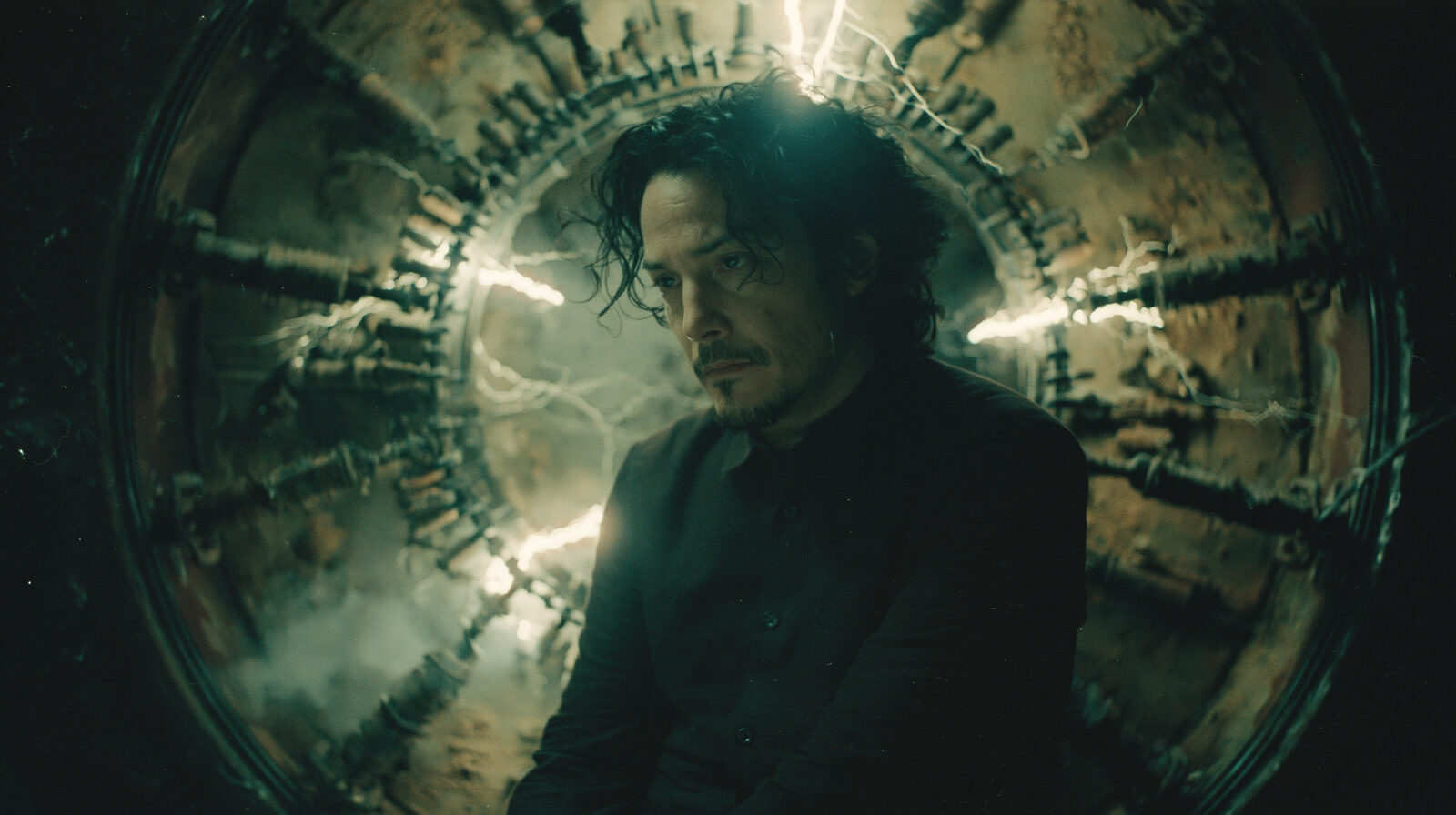
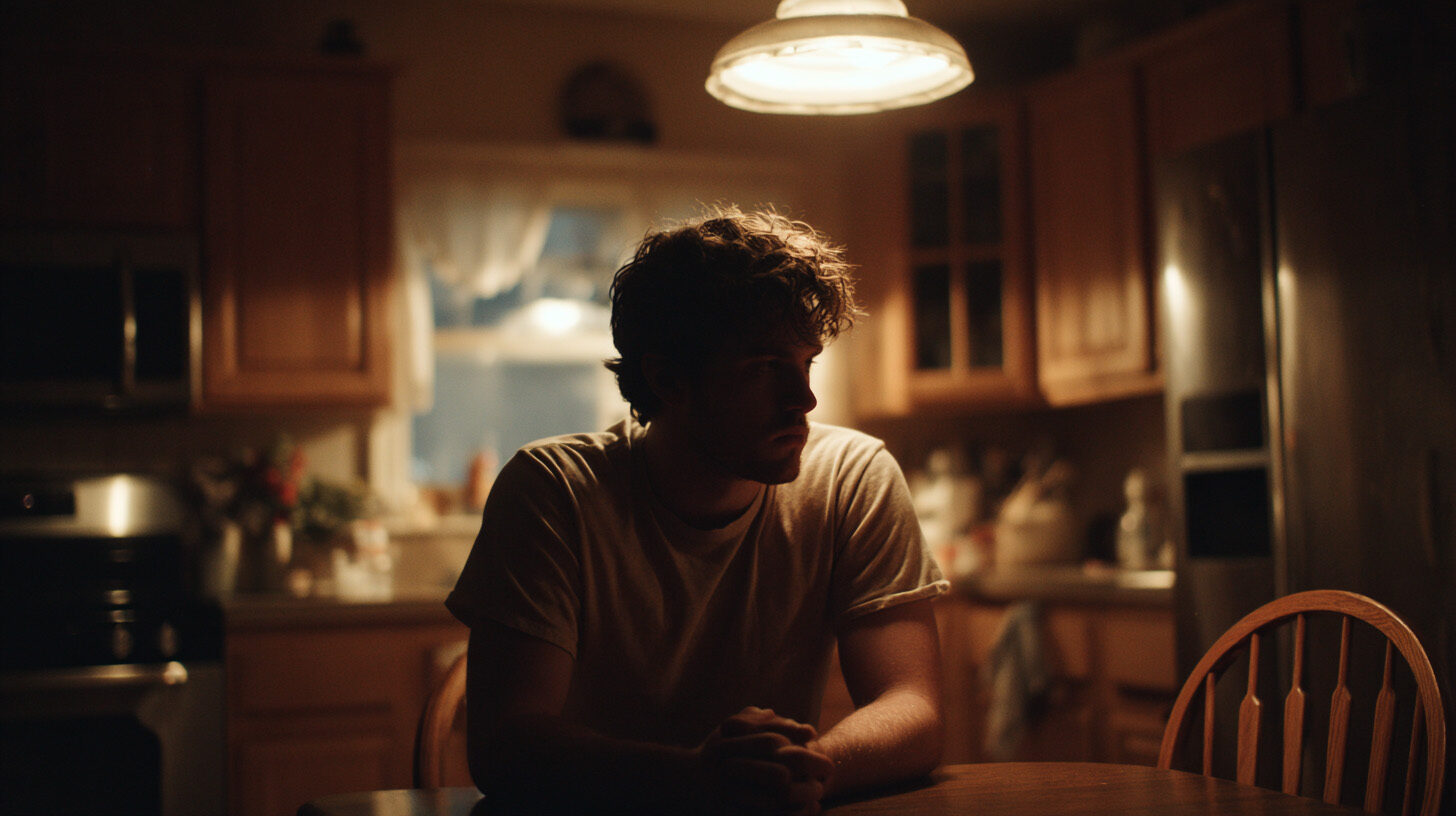
None of these are stock. Every one started as a prompt.
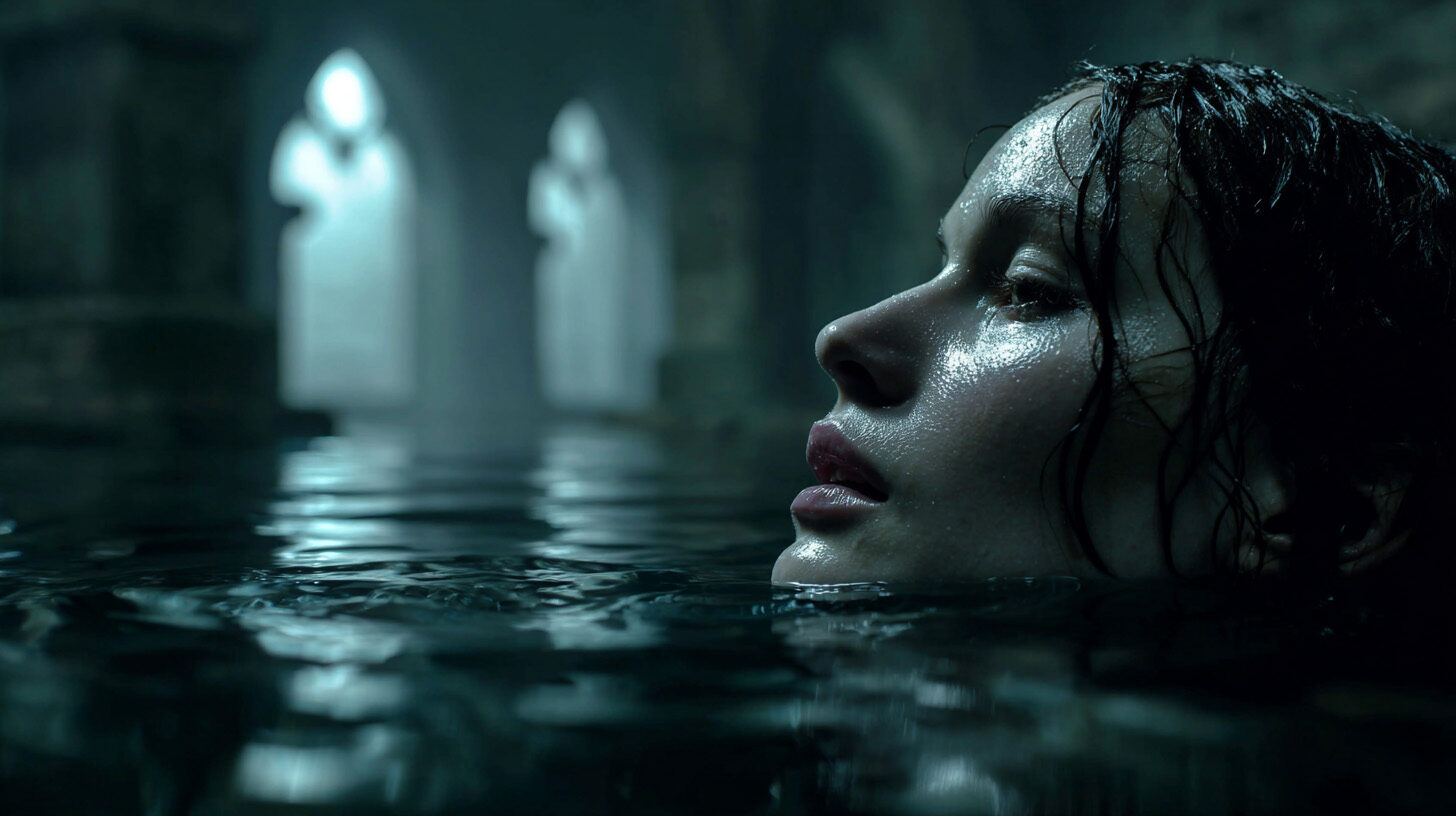
Different subjects, stocks, lighting, lenses — all pulled from the same fifty. This is what "looks shot, not generated" means.

Organized by intent, not by accident.
The Vault is a 66-page PDF, fifty prompts, sorted by what you're actually trying to make:
Every prompt is ready to paste. Every bracket is a door.
Works in Midjourney, Kling, Higgsfield, and Magnific — or any current image and video model you already use.
Most prompt packs are made by prompt engineers.
People who know which words make the machine do something interesting. What they don't know is what professional work actually looks like — the standard it has to hit, the craft underneath it.
I'm MR. BLACK. I've spent 25 years as a motion designer and creative director, making work that had to be good enough for international brands and broadcast. I've brought those same standards to AI tools, and the Vault is the shorthand that came out of it.
Fifty prompts. No duds.
“I’ve wasted more hours than I’ll admit fighting prompts that spit out flat, generic junk. Dropped one of these in, changed maybe three words, and got a frame that actually looked like a still pulled from a film. Thirty seven bucks is almost unfair.”
“Fifty prompts and not a single dud. What got me wasn’t just the results, it was reading how they’re built. The lens and lighting language alone leveled up everything I make now, even the shots I write from scratch.”
“I’ve been using prompts from the Vault, adapting them with my own changes, and I’m very impressed with the results.”
One payment, and it's yours.
The Vault normally lives inside AI Cinema Lab, my full cinematic AI program — a $397 course. This page is the one place you can take the prompt library on its own, at the same price my students pay for it as an add-on.
No subscription. No upsell required. One payment, and it's yours to keep and use forever.
Grab it, open it, put a prompt to work. If it doesn't give you something you couldn't make before, reply to my welcome email and I'll refund you personally. No forms, no friction.
— MR. BLACKShort answers.
What exactly am I getting?
A 66-page PDF with fifty cinematic prompts, organized by intent, every one ready to paste and built on a bracket system you can swap to make the scene your own.
Do I need experience?
No. If you can paste a prompt and change a word inside brackets, you can use the Vault tonight.
Which tools does it work with?
Midjourney, Kling, Higgsfield, Magnific, and effectively any current AI image or video model.
What if it's not for me?
Reply to the welcome email within 30 days and I'll refund you. Simple as that.
Before you go
Take this with you. Free.
The Cinematic Frame Kit — 25 prompts, 5 pillars, 1 walkthrough. The framework I use to make AI images that look like frames from a film. Yours in 60 seconds.
Free. Instant. Unsubscribe anytime.